How it works
From episode to done, step by step.
Nuntex runs a simple loop. It listens, it briefs you, it proposes the work, and when you say yes, it does the work and shows you the proof.
7 days free, then $49.99 a month. Cancel any time. Pricing
Updated October 5, 2026
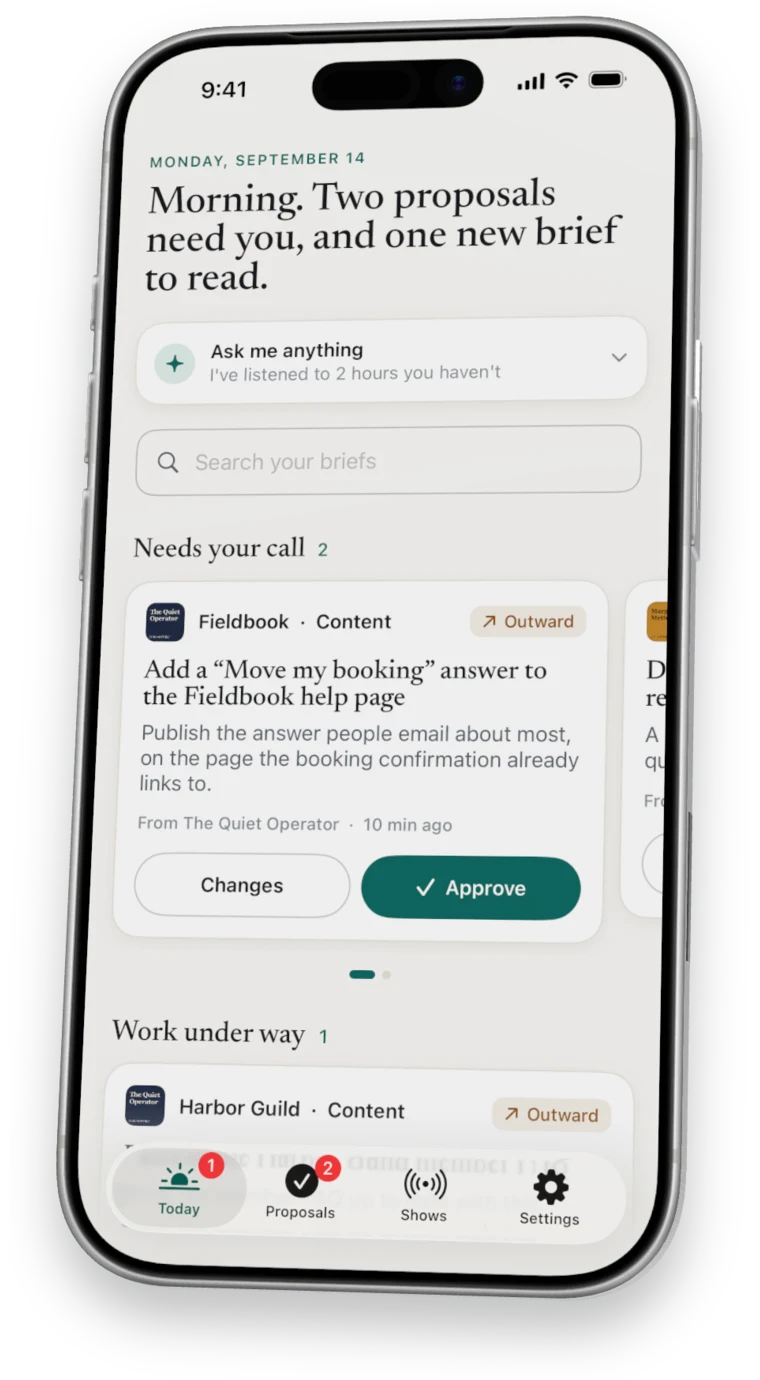
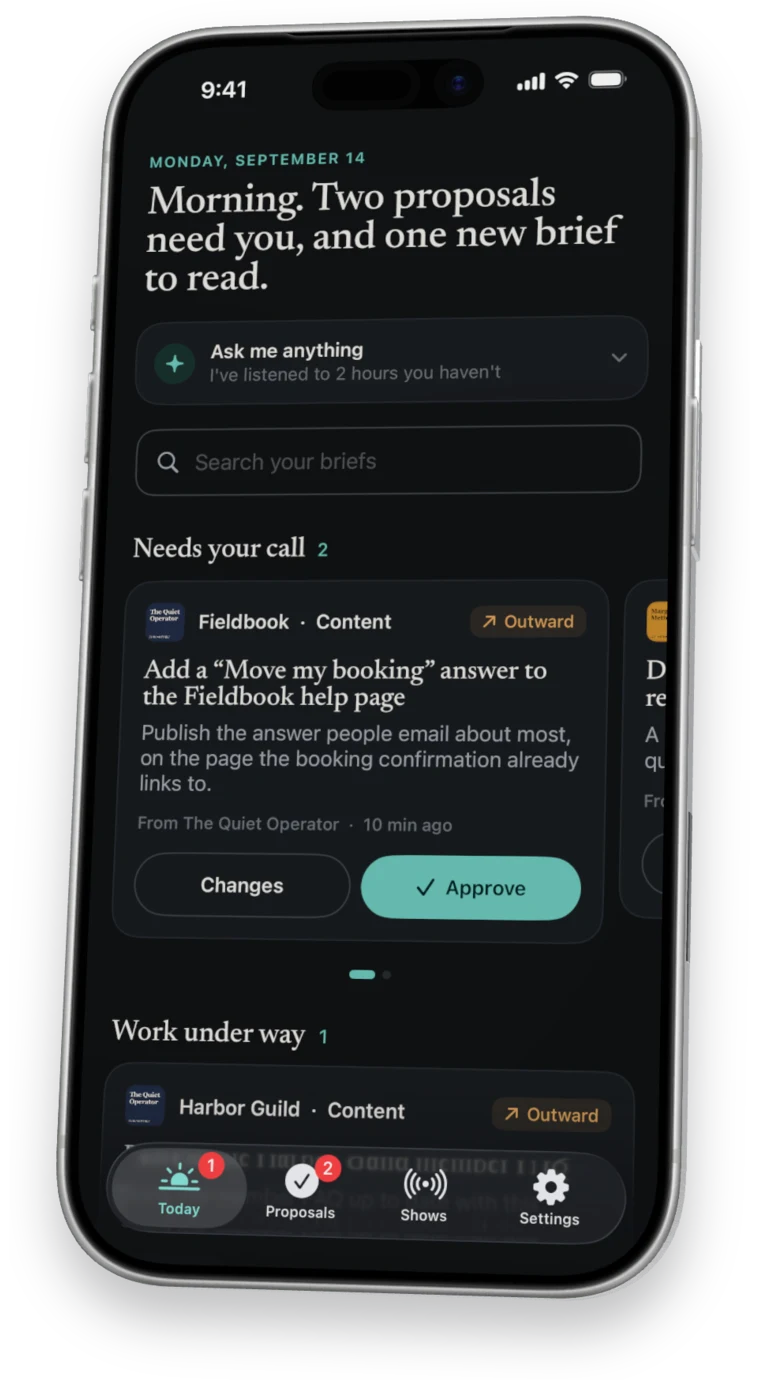
The loop
Four steps, every day.
- Listen
Your computer checks your sources and transcribes what is new.
- Brief
Each episode becomes a brief written against your priorities.
- Propose
Good ideas become proposals with a plan and a draft.
- Do
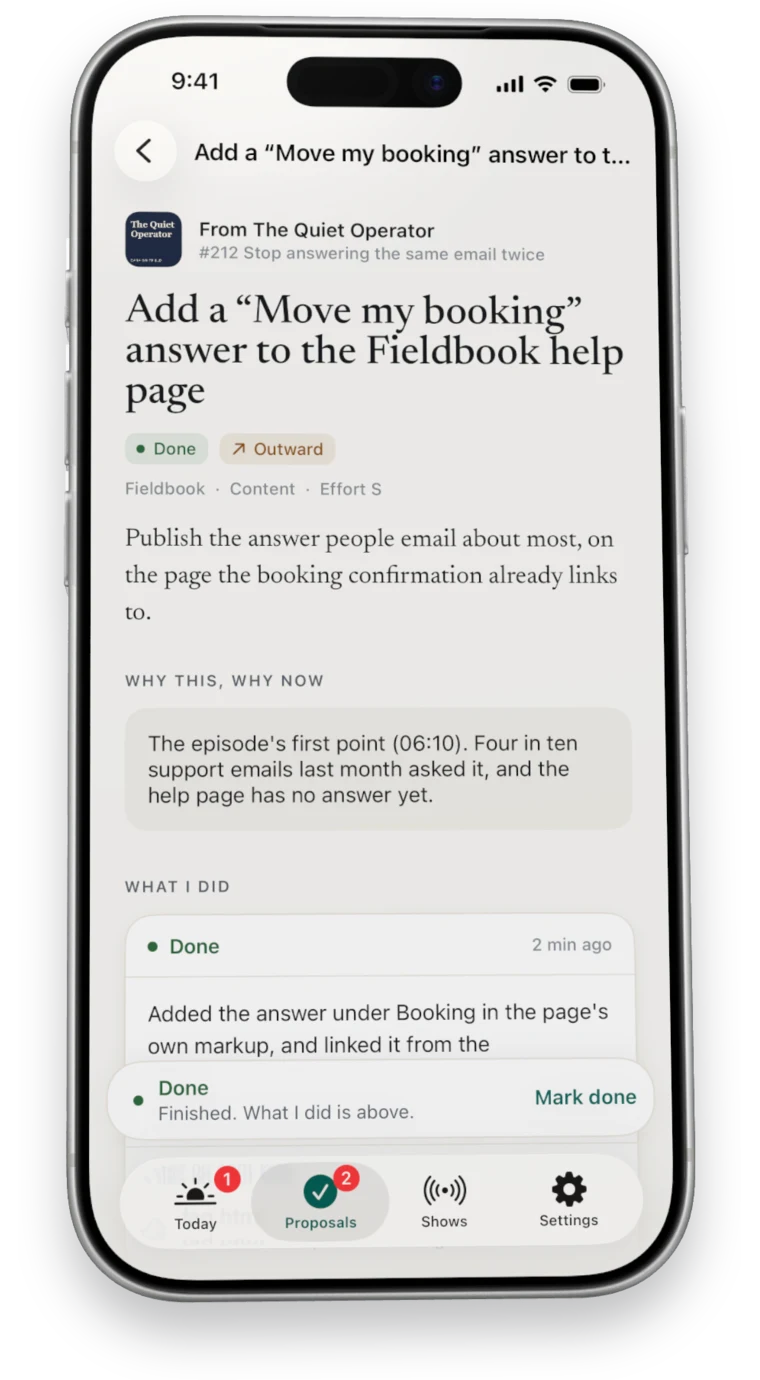
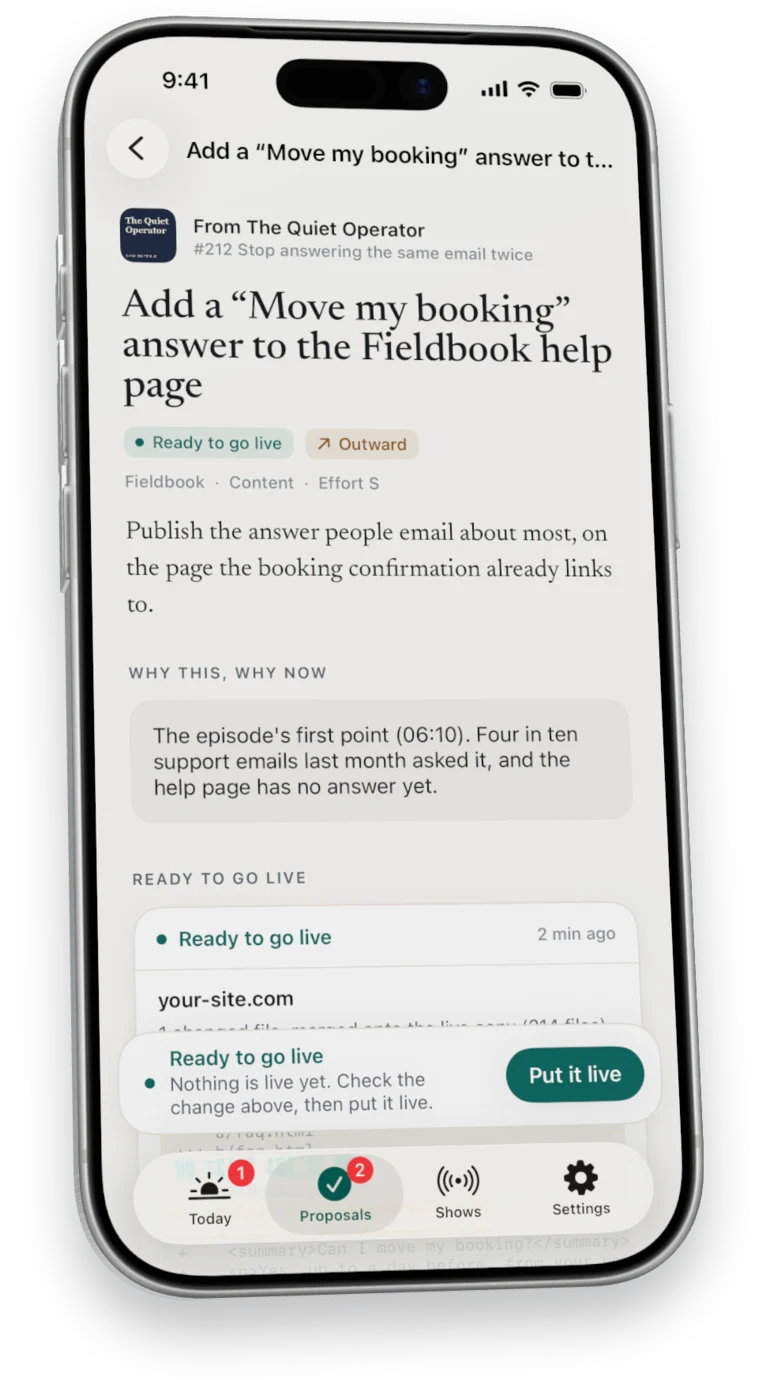
Approved work is carried out on your computer, with proof.
On your phone
What you see.
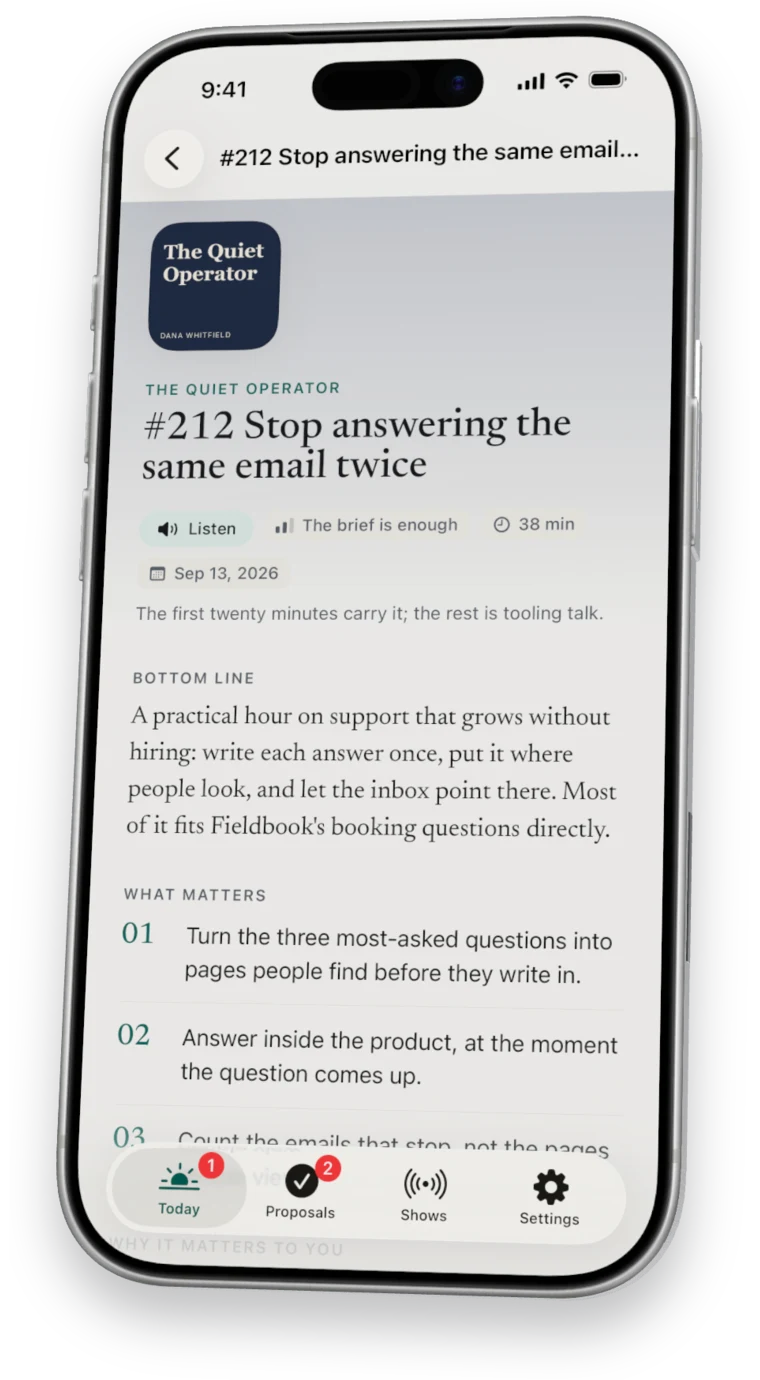
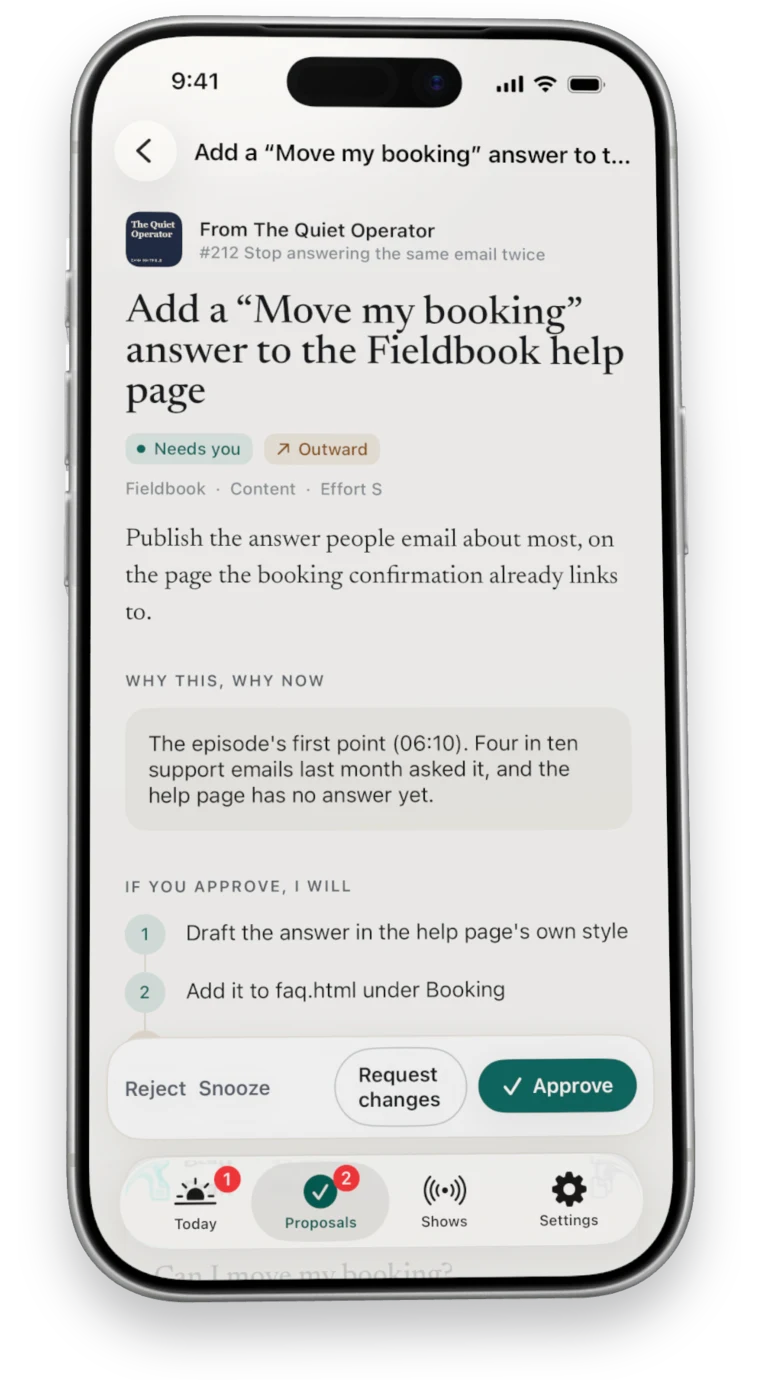
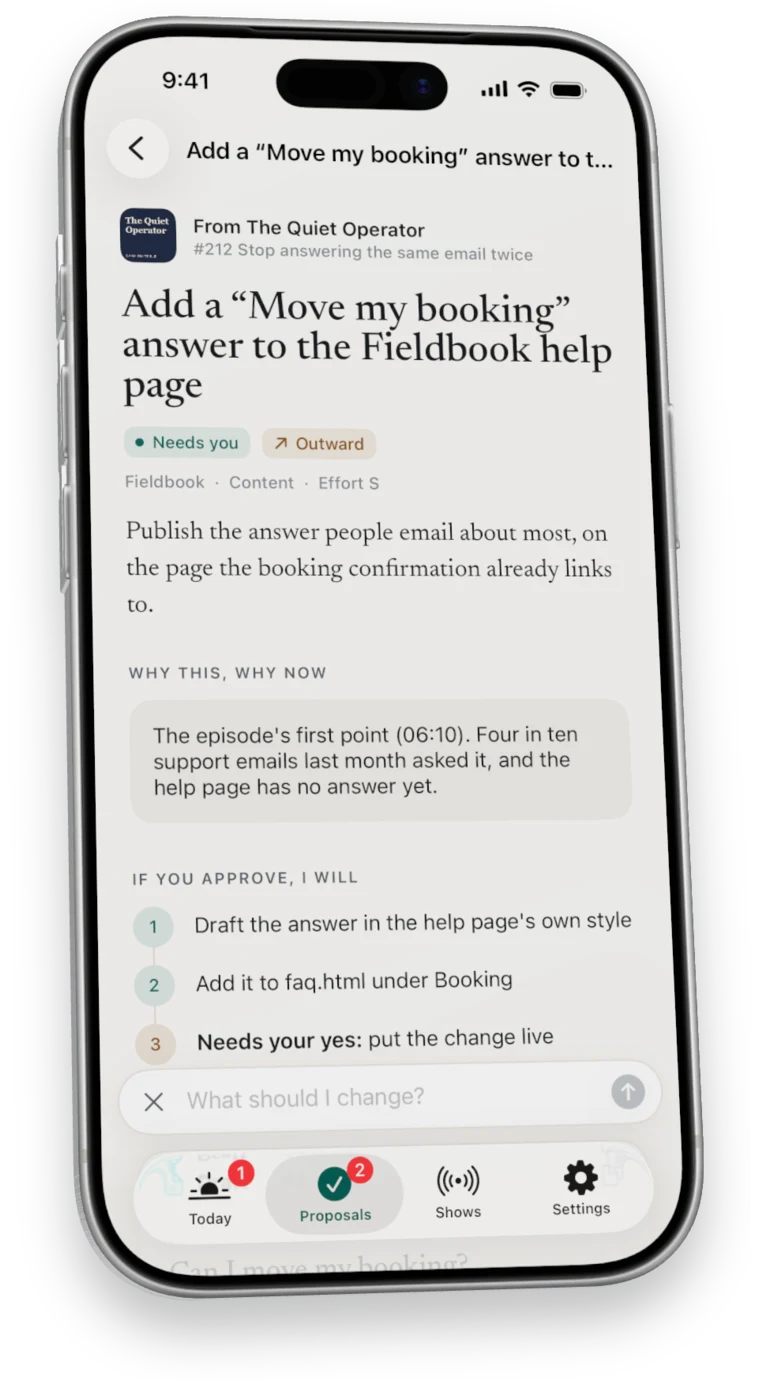
After you say yes
What happens next.

Where each part runs
Your phone and your computer.
- On your computerListening and transcription
- Episodes are turned into text on your own machine.
- On your computerBriefs, proposals and answers
- Written against the priorities you set.
- On your computerThe work
- Your own AI works in the folders you pick, on its own branch, with checks.
- On your phoneReading and deciding
- Briefs, proposals and every decision.
- On your phoneListen and Search
- Right on the phone, even offline.
- Between themYour account
- Briefs and decisions sync between your phone and your computer.
Questions
Questions about how it works.
How long does the loop take?
A new episode is usually briefed within hours of release, and approved work starts within a minute or two while your computer is awake.
What do I have to do?
Read, decide, and take care of anything marked Your turn.
Can I start small?
Yes. In Ask first mode Nuntex only briefs and proposes.
Goes with
Where to go next.
Start here
Seven days free
Start your free week.
7 days free, then $49.99 a month. Cancel any time.