Feature · Decide
Approve in one tap.
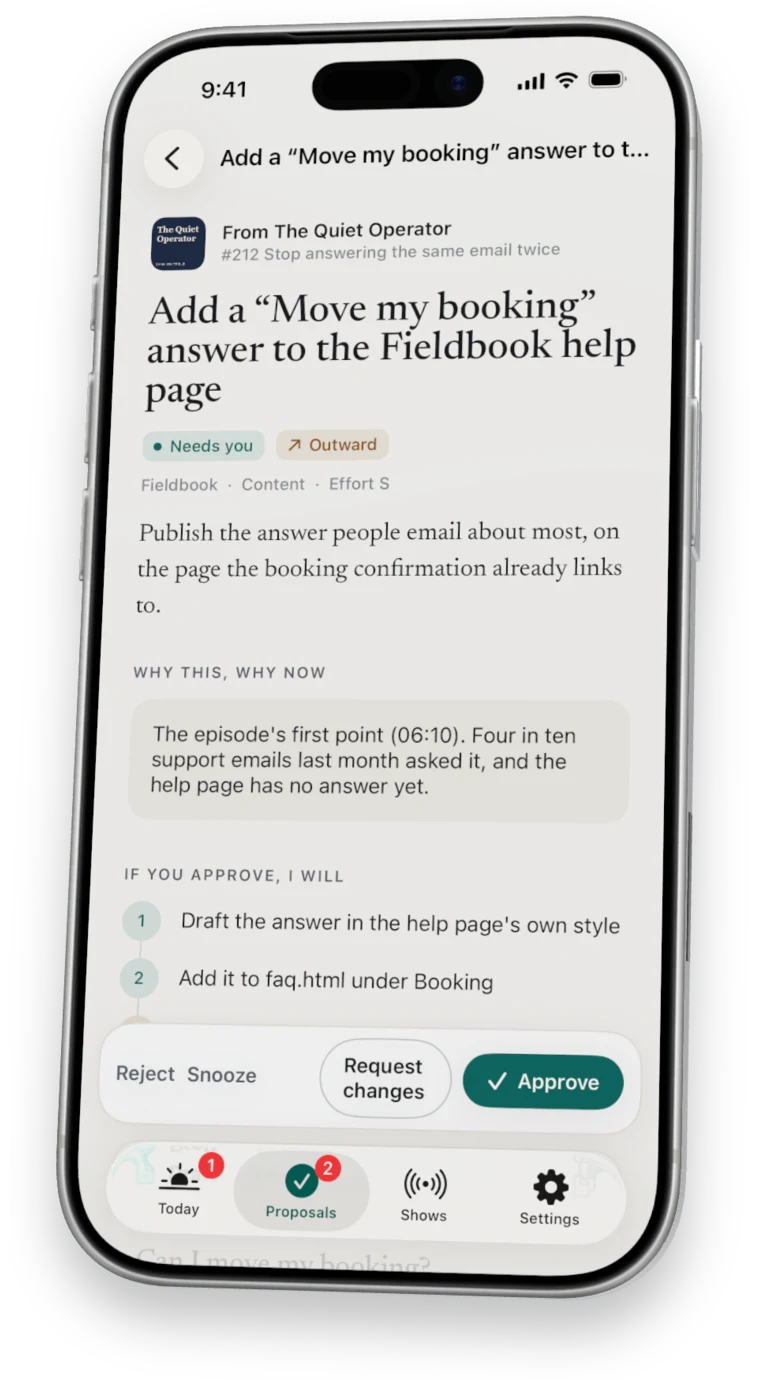
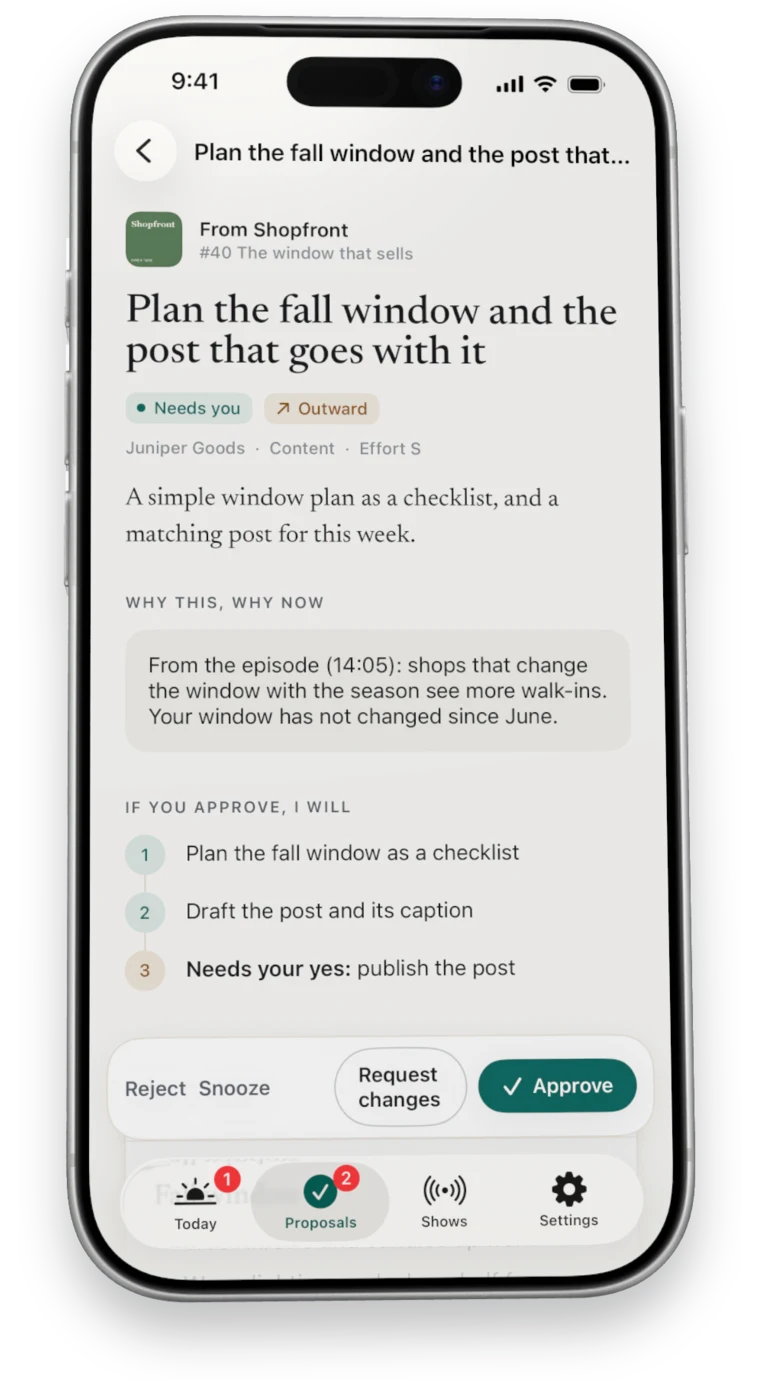
Every proposal ends in four plain choices: approve it, ask for changes in your own words, snooze it, or reject it.
7 days free, then $49.99 a month. Cancel any time. Pricing
Updated October 5, 2026
In the app
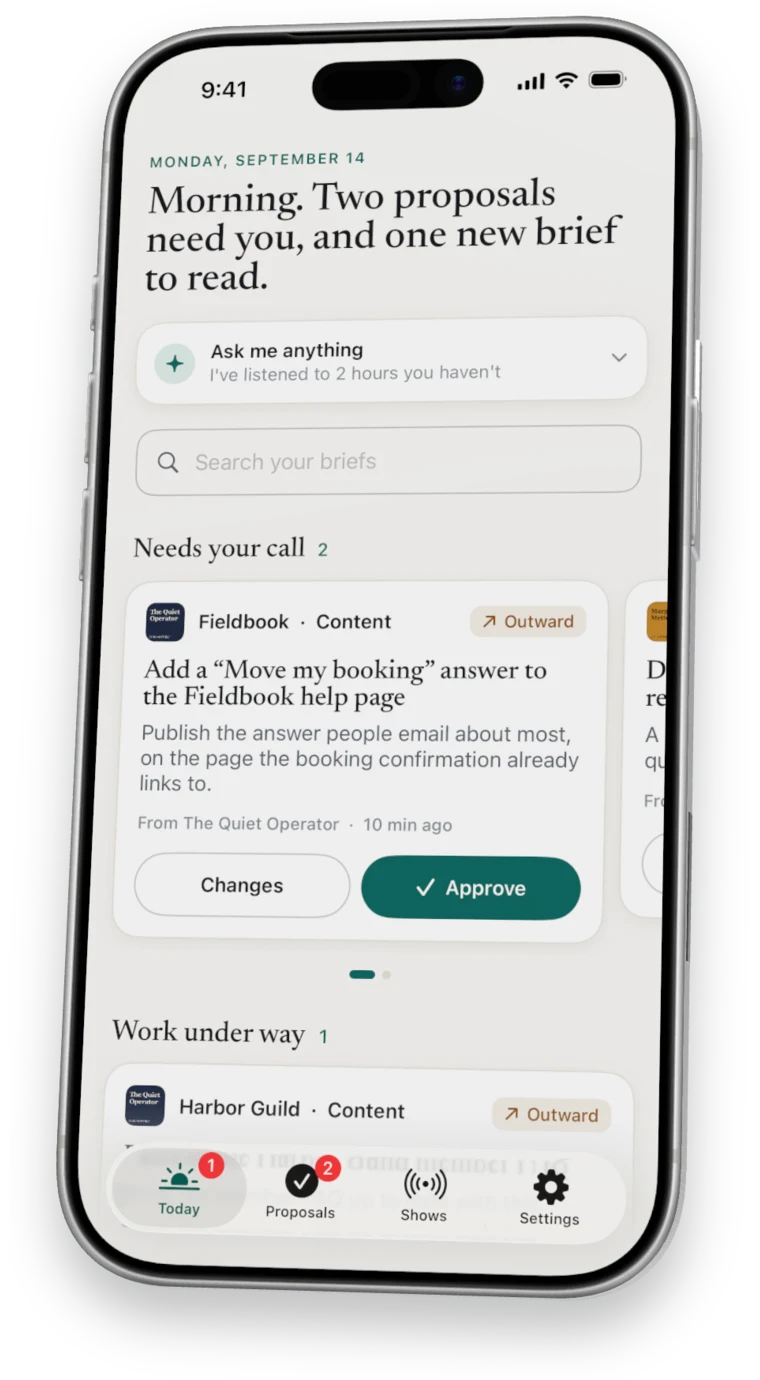
Decide wherever you are.
What each choice does
Four ways to decide.
- Approve
- The work goes to your computer, which starts on its next pass.
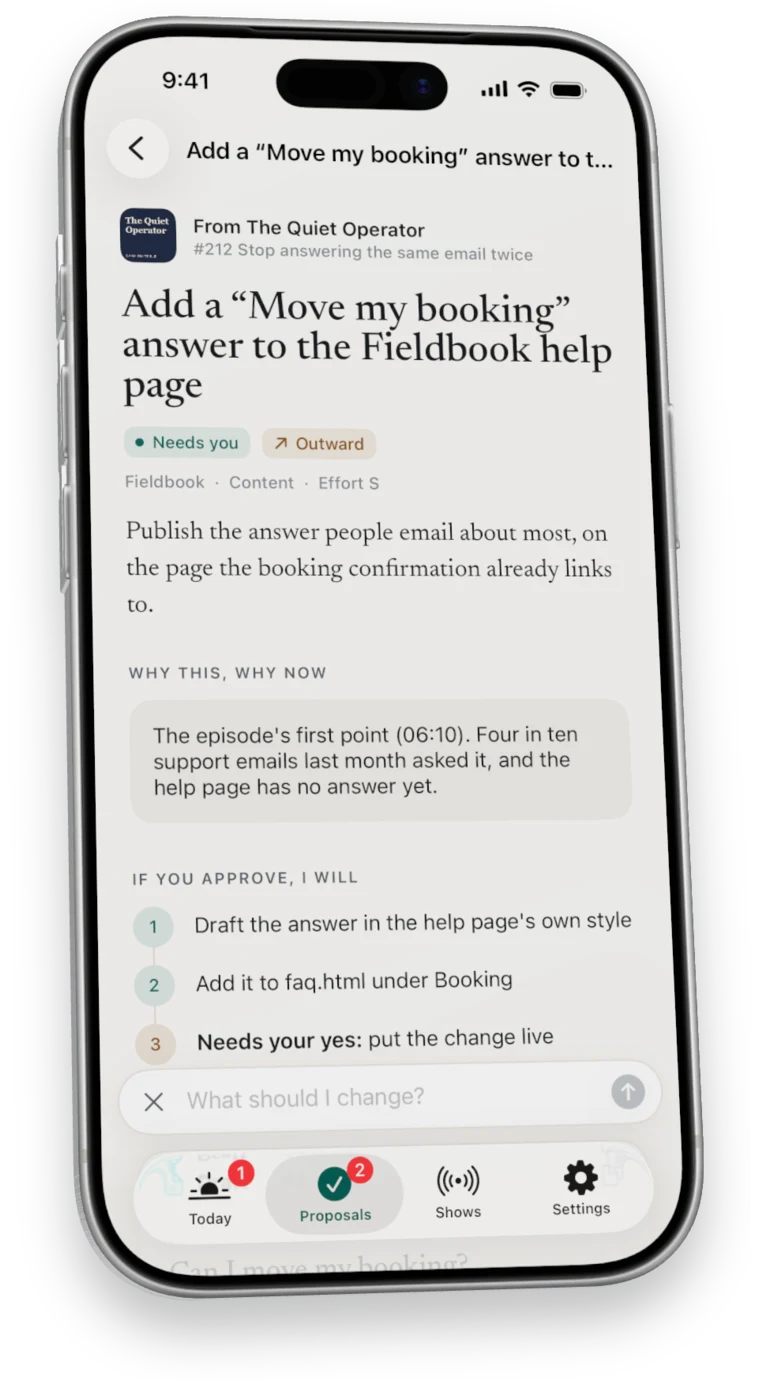
- Request changes
- Nuntex revises the proposal and brings it back to you.
- Snooze
- The proposal steps out of the way and comes back later.
- Reject
- It moves to Closed, where you can still read it.
Questions
Questions about decisions.
Can I undo a decision?
Yes. A decision made on a card waits five seconds before it counts.
Where do rejected proposals go?
To Closed, where you can still read them.
Seven days free
Start your free week.
7 days free, then $49.99 a month. Cancel any time.