Guide
Set up in about five minutes.
Three stops: this website, your Mac and your phone. One account ties them together, and your phone shows the Mac getting ready, tick by tick.
7 days free, then $49.99 a month. Cancel any time. Pricing
Updated September 23, 2026
The whole thing
Four steps, once.
- Start your free week
Here on nuntex.com: an account, then Stripe's secure checkout. 7 days free. Start
- Set up the Mac
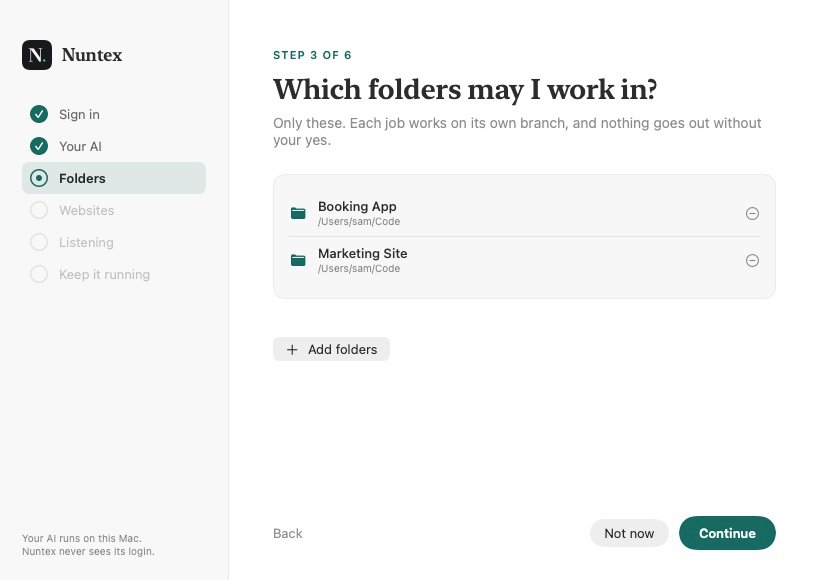
Sign in. It finds your AI, asks which folders it may use, and keeps itself running.
- Sign in on your phone
Same account. Tell it what you do and what you want help with.
- Get your first brief
Within about an hour of a new episode from a show you follow.
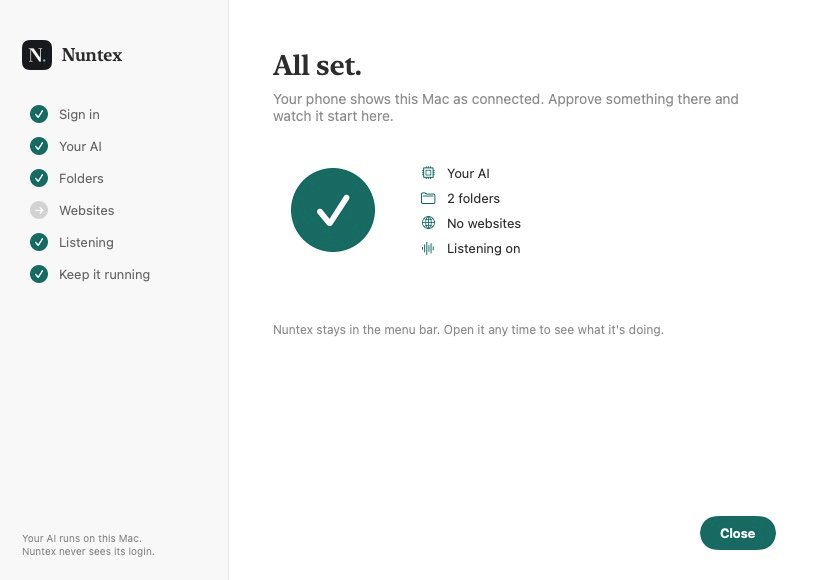
On your Mac
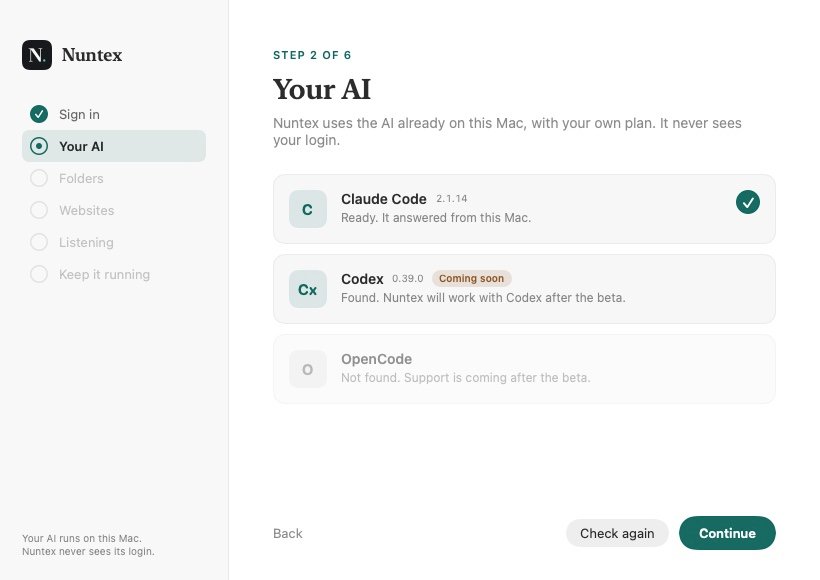
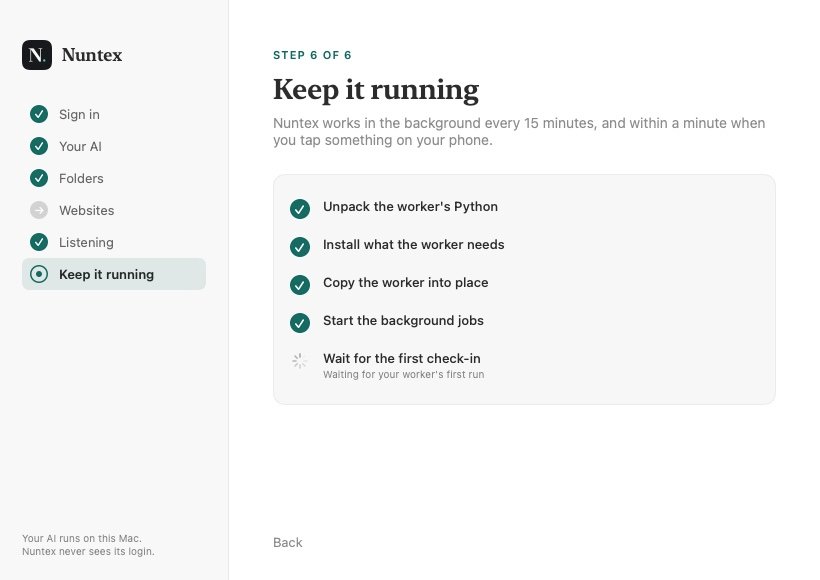
It finds your AI, then keeps itself running.
The Mac app walks through it in one window. Nothing to type into a terminal unless your AI is missing, and then it shows you the one line.
On your phone
Your phone gets to know you.
Sign in with the same account, and a few quick screens make every brief about your work, not everyone's.
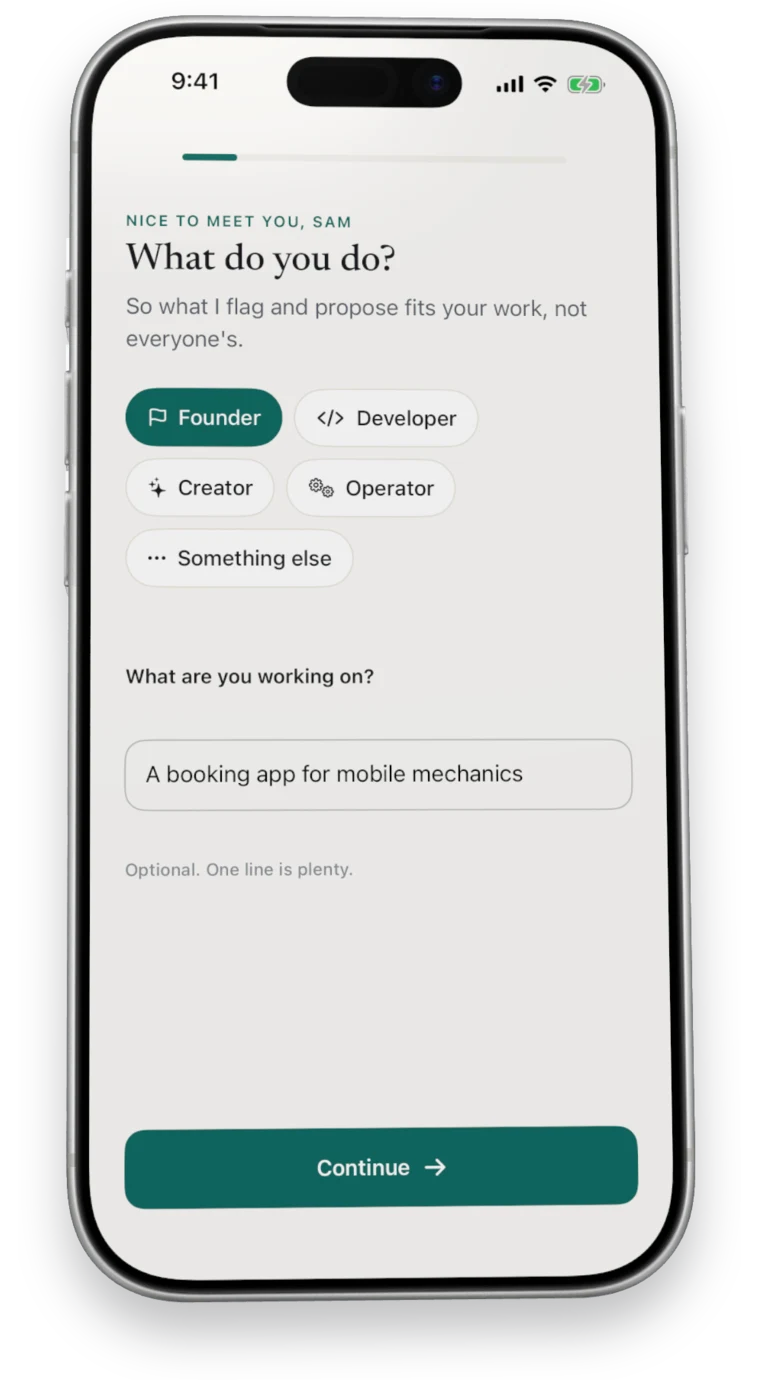
1What you doYour role, and what you are working on. 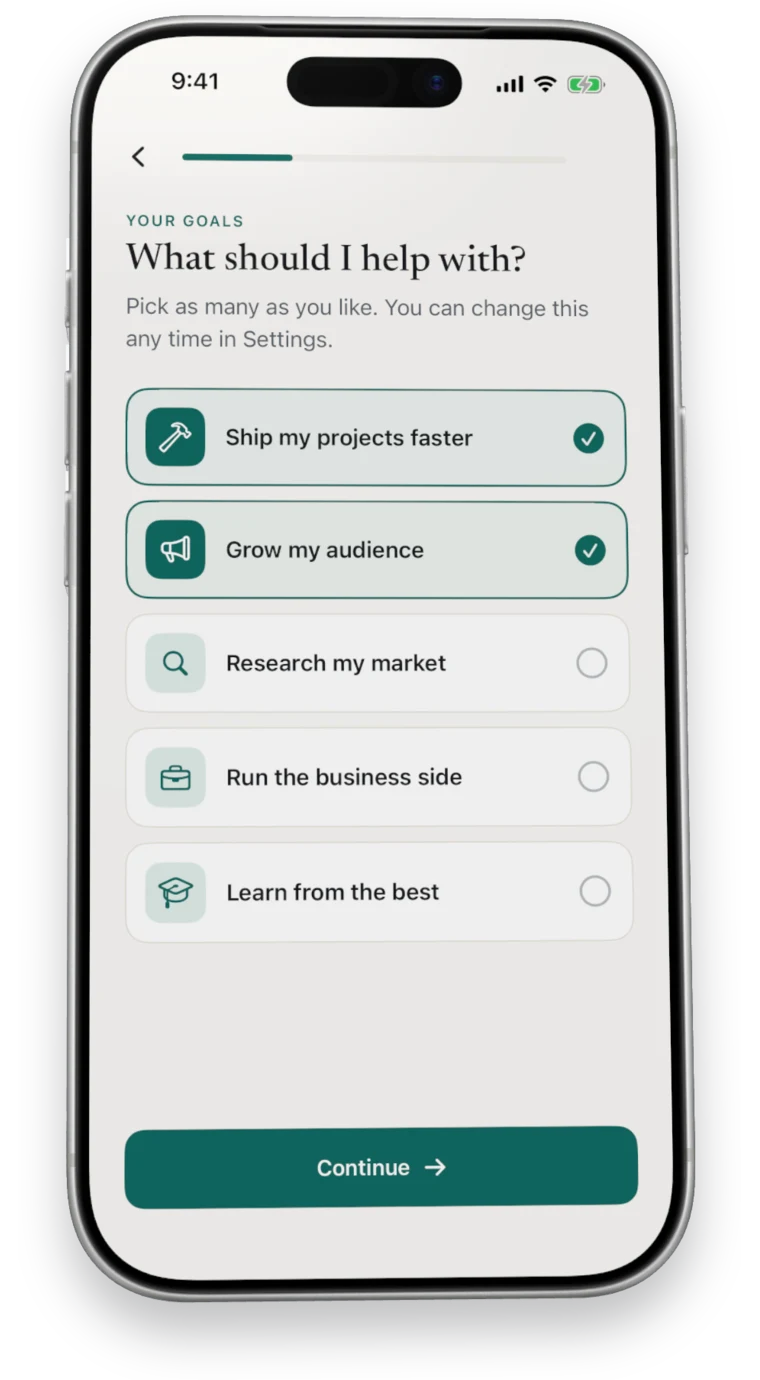
2What to help withPick as many as fit. 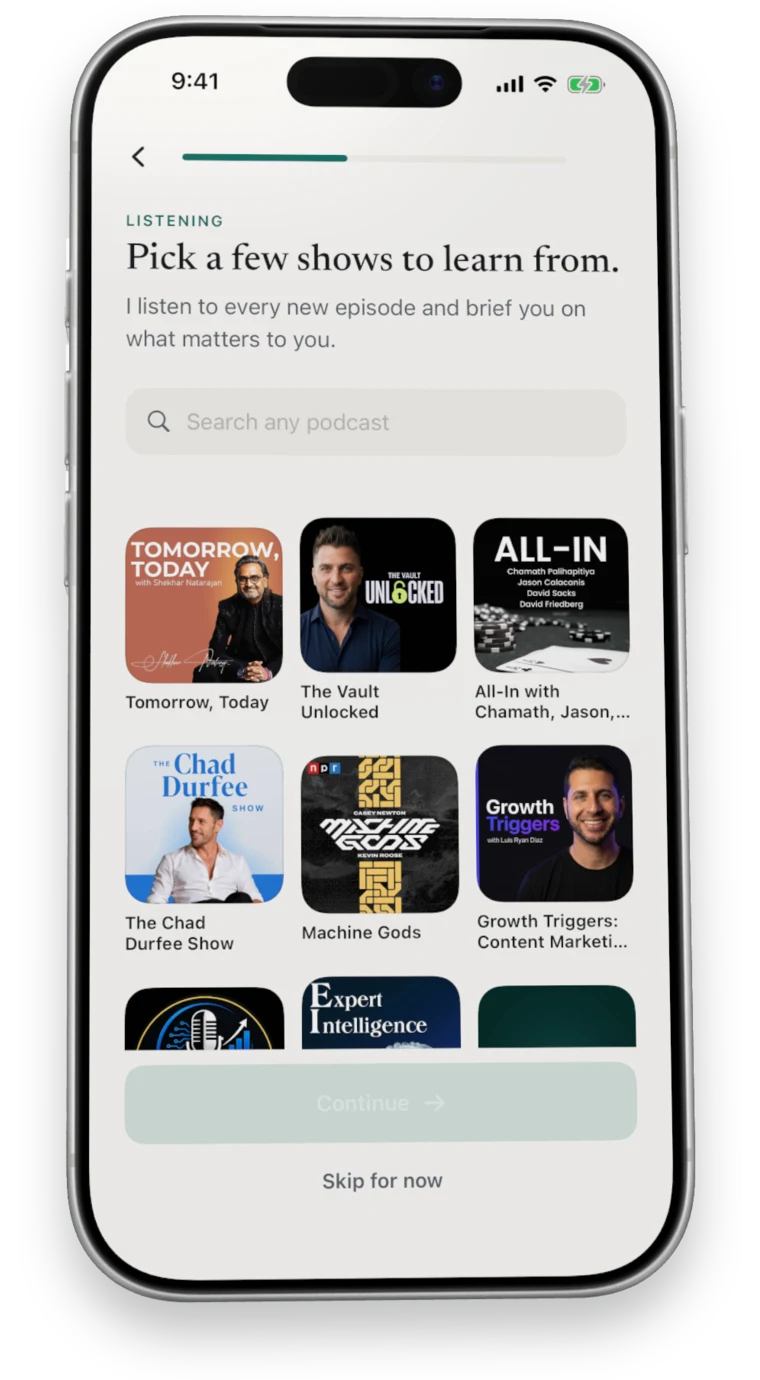
3What to learn fromShows picked from your goals. 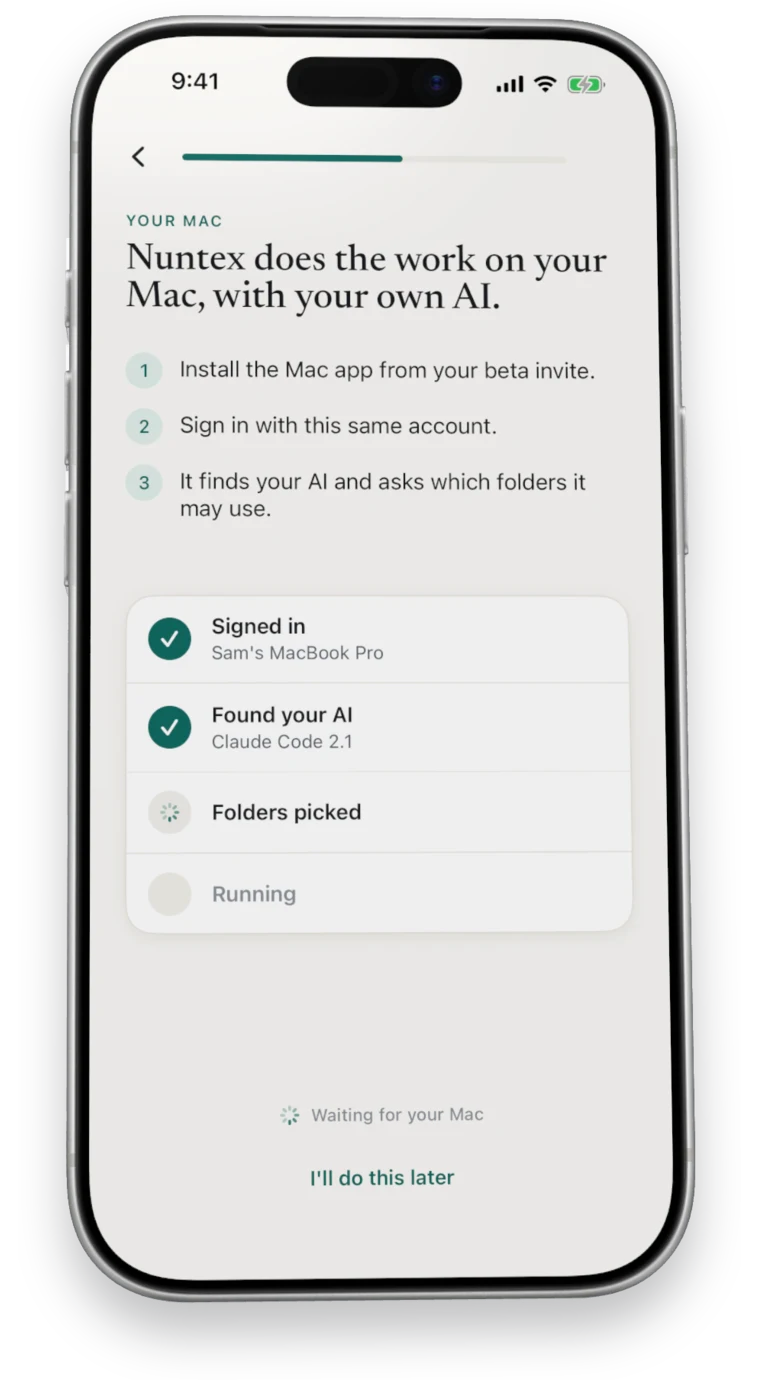
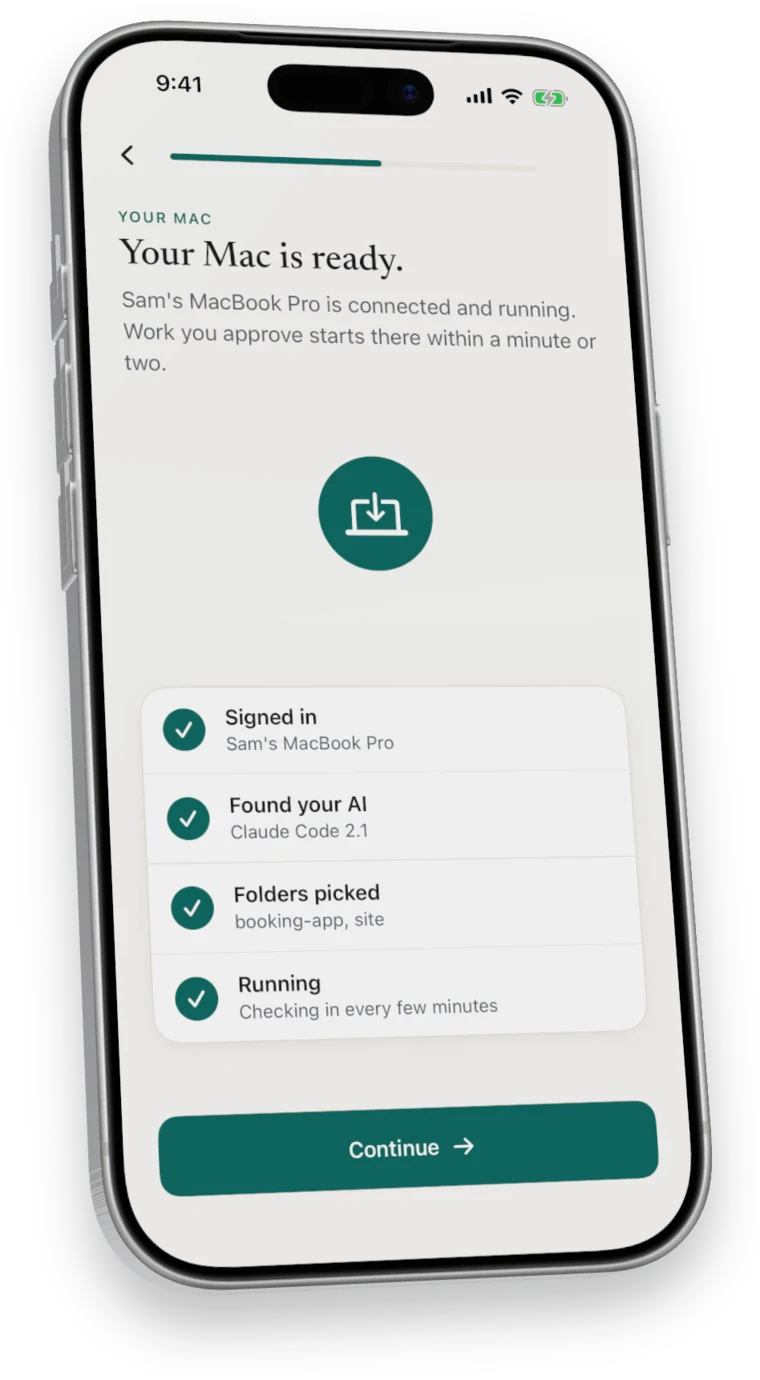
4Your Mac, liveEach tick lands as the Mac gets there. 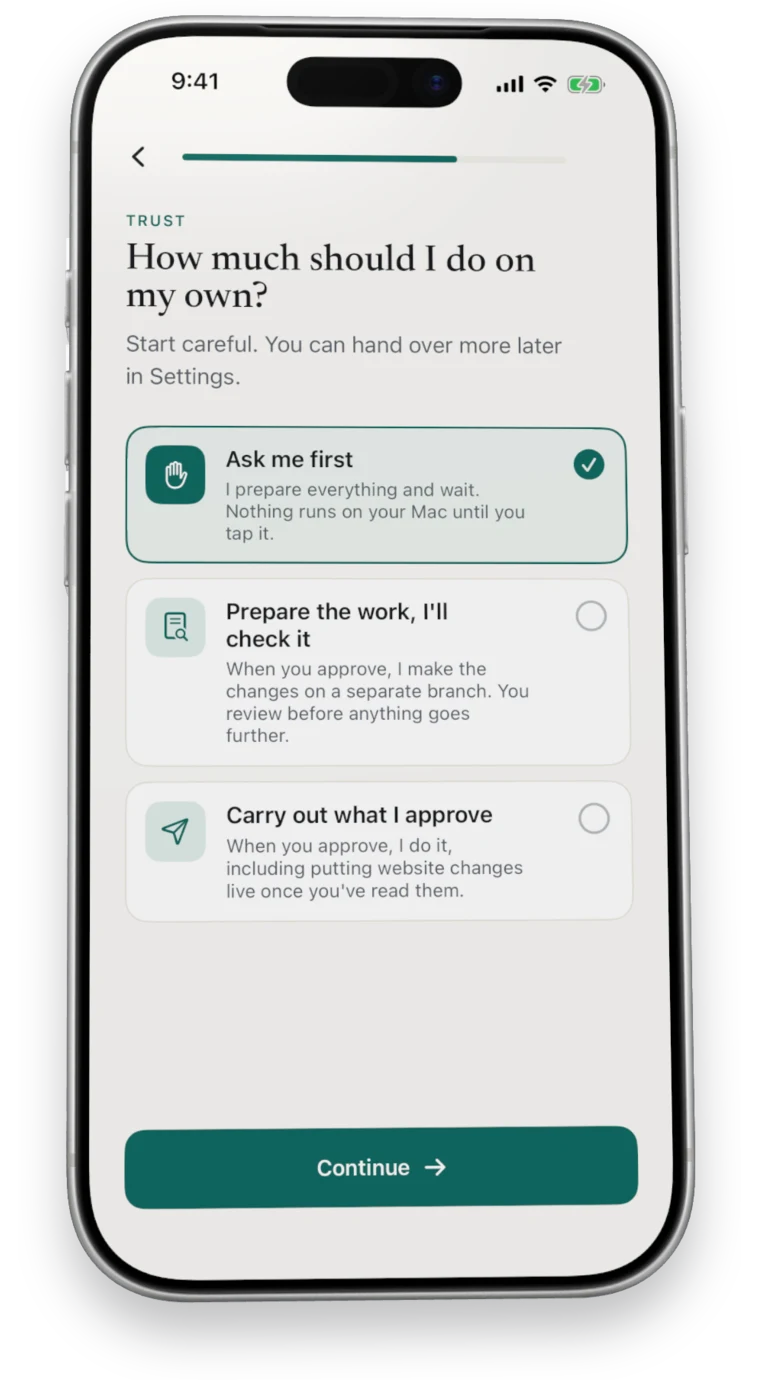
5How much it doesAsk me first, prepare the work, or carry it out. 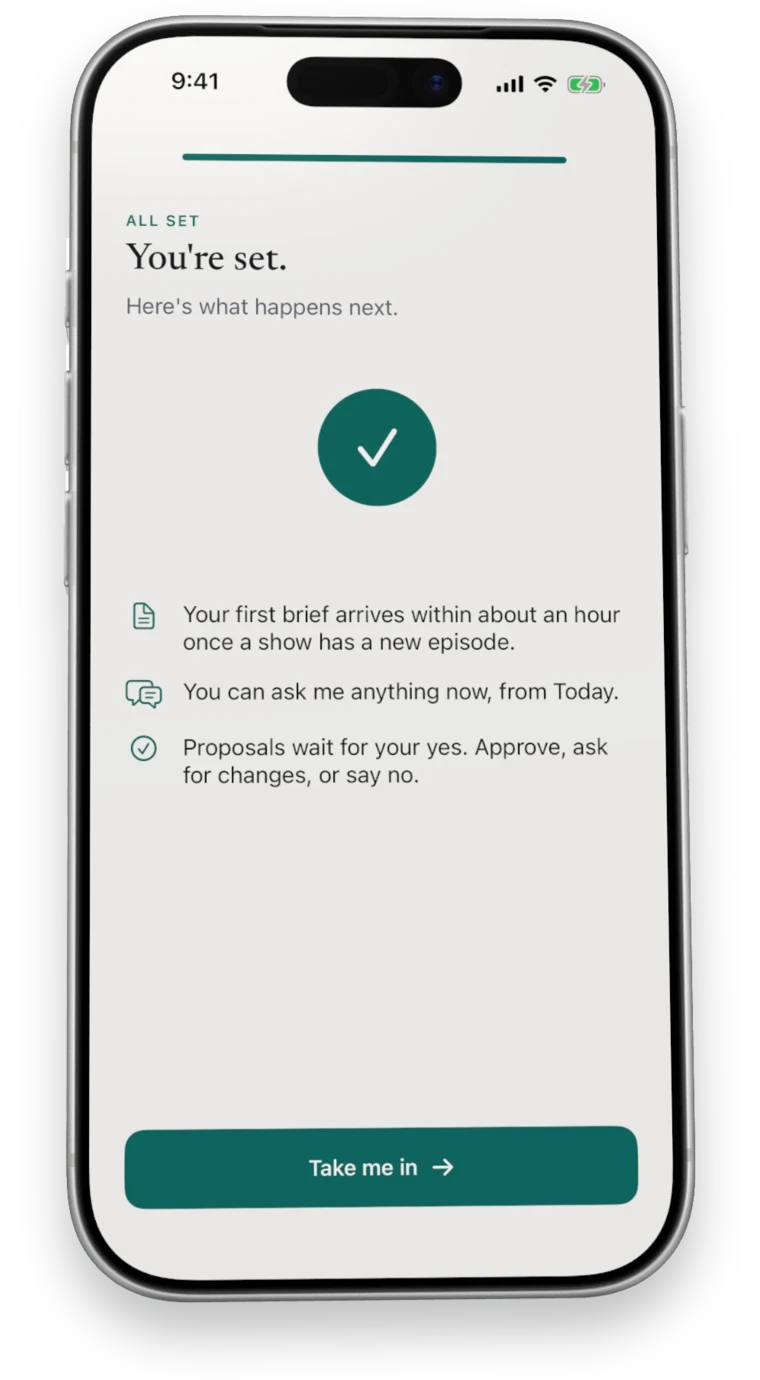
6You're setWhat happens next, then in.
What you need
Three things, most of which you have.
- A Mac with Apple silicon
- It does the listening and the work, from the menu bar.
- Your own AI
- Claude Code on your own Claude plan. Setup shows you how to get it if it is missing.
- An iPhone or Android phone
- Where you read, decide and follow the work.
- Optional: your website's host
- Hostinger today, if you want website changes put live for you. About Put it live
Questions
Questions about getting started.
How long does setup take?
About five minutes, plus an optional download so your Mac can transcribe episodes itself.
Can I set up the phone first?
Yes. It waits for your Mac, and ticks each step off as the Mac gets there.
What if I skip the Mac for now?
Your phone keeps a Connect your Mac card on Today until one is online.
Do I need Claude Code before I start?
It helps. If it is missing, the Mac app shows you the one line that installs it, then checks again.
Where do I get the apps?
The App Store, Google Play and a signed Mac download. Your account page shows the links, and each one appears there as soon as it is out.
Seven days free
Start your free week.
7 days free, then $49.99 a month. Cancel any time.