Feature · Decide
Approve one step at a time.
Every proposal is a list of steps. Tap any one of them to decide just that step, without approving the whole plan.
7 days free, then $49.99 a month. Cancel any time. Pricing
Updated October 5, 2026
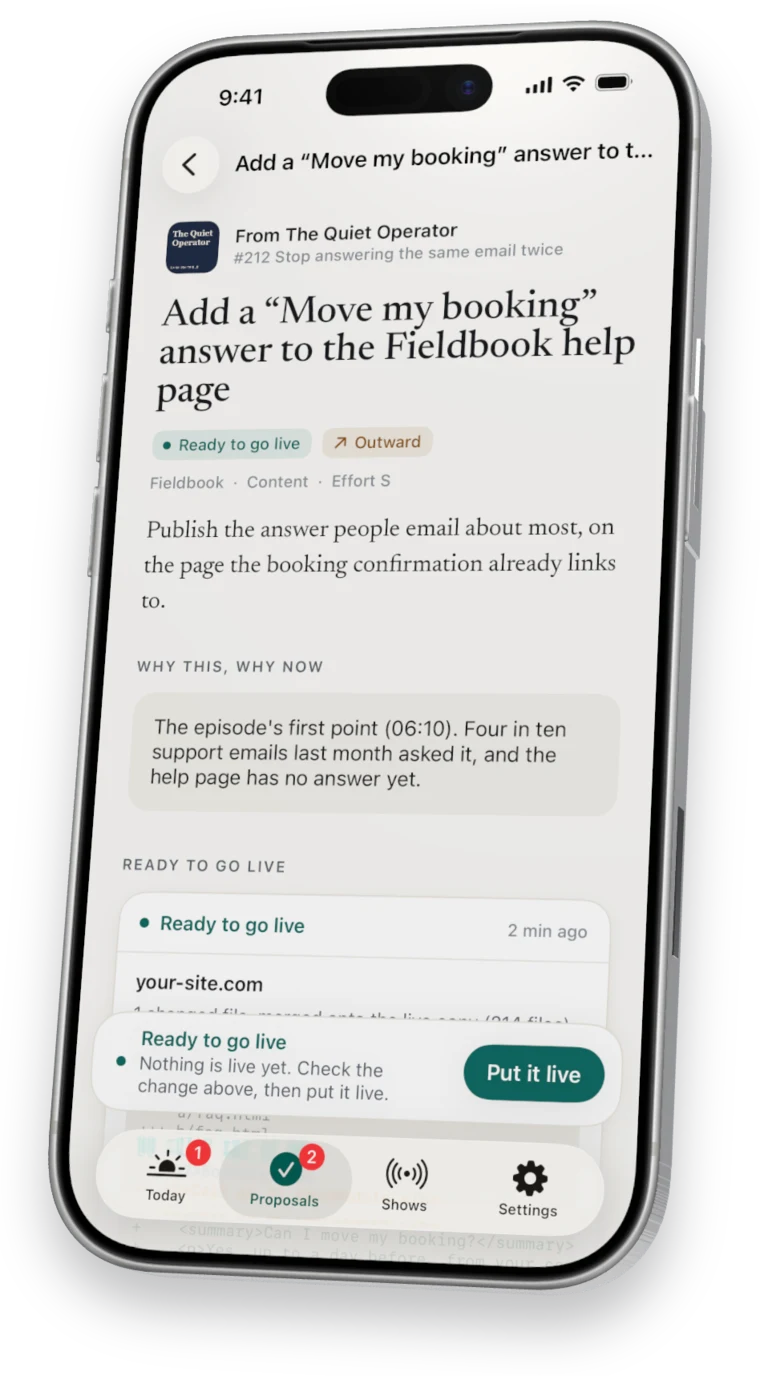
Four choices
What you can do with any step.
- Go ahead
- Nuntex carries out that step on its next pass.
- Guide it
- Add a note about how you want it done, and it follows the note.
- Skip
- Leave that step out of the plan.
- I did it myself
- Mark it done, so it is never repeated.
Needs your yes
Steps that reach other people.
Some steps reach the outside world: an email, a post, a website change. In the plan they say Needs your yes, and nothing happens on them until you tap them yourself.
Each tap covers that one step. The next outward step waits for its own yes. More in outward actions.
Questions
Questions about plan steps.
Is a tap the same as approving the whole proposal?
No. A tap decides that one step, and the rest of the plan waits.
What happens after I tap Go ahead?
Your computer picks up the step on its next pass and shows its progress on the proposal.
Seven days free
Start your free week.
7 days free, then $49.99 a month. Cancel any time.