Feature · Get it done
Approved work, carried out on your computer.
Approve a proposal and your computer does the work: writing, editing and checking in the folders you allowed, on a branch of its own, while your phone shows each step.
7 days free, then $49.99 a month. Cancel any time. Pricing
Updated October 5, 2026
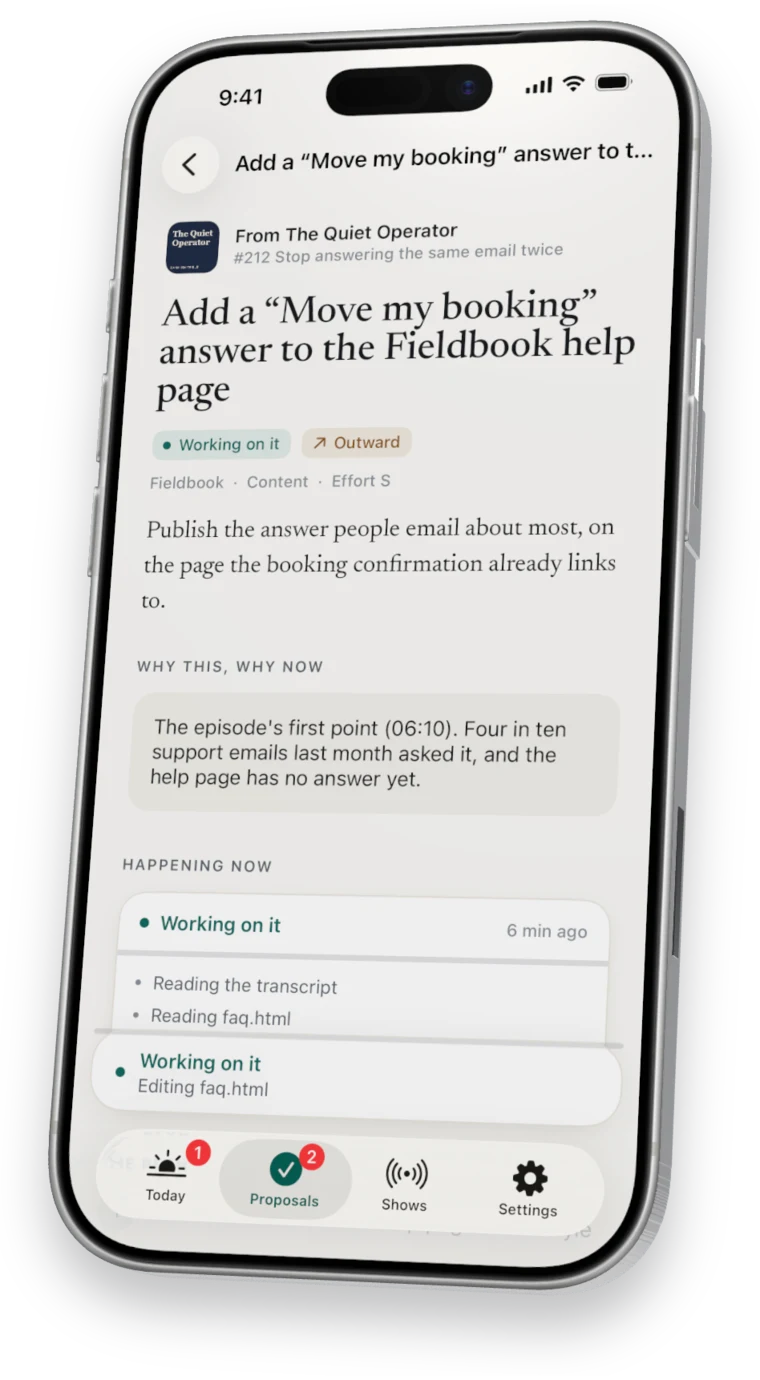
On your phone
You can watch it happen.

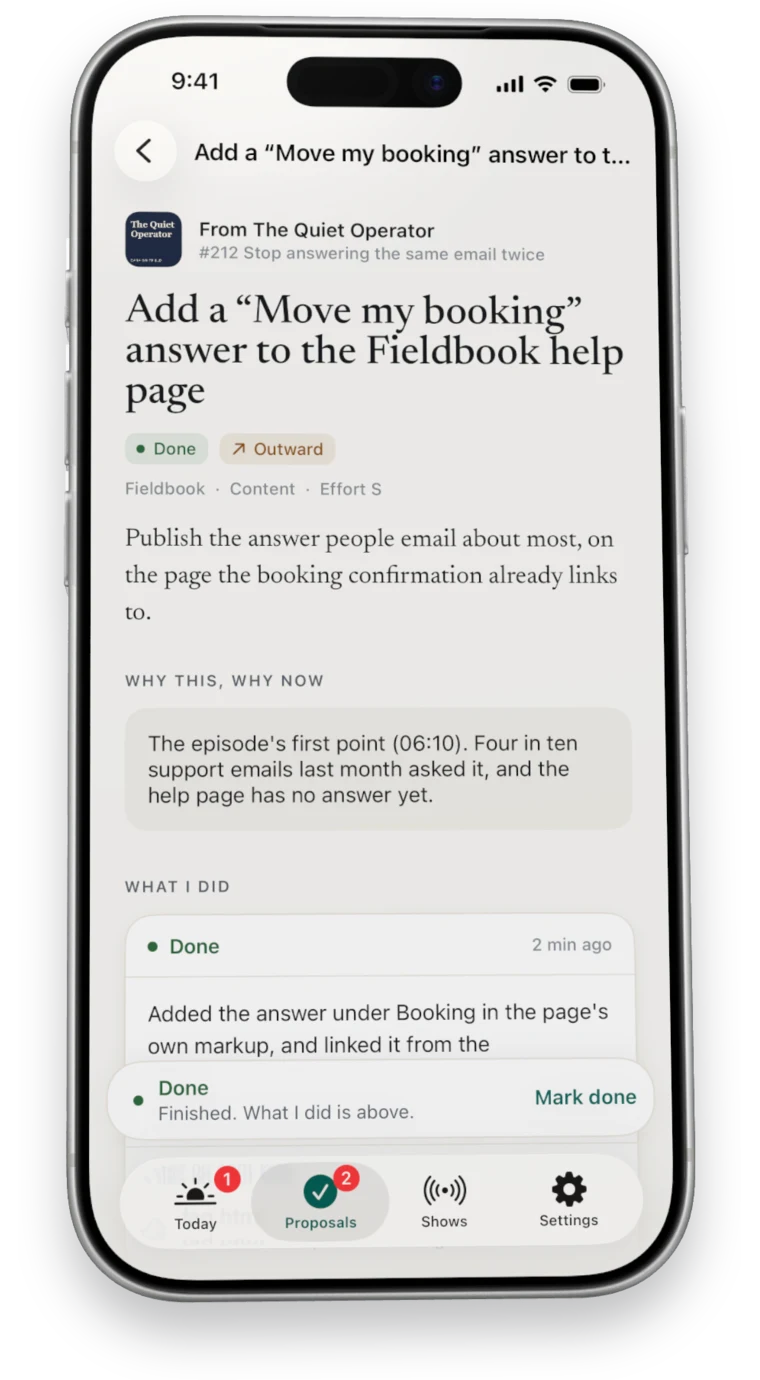
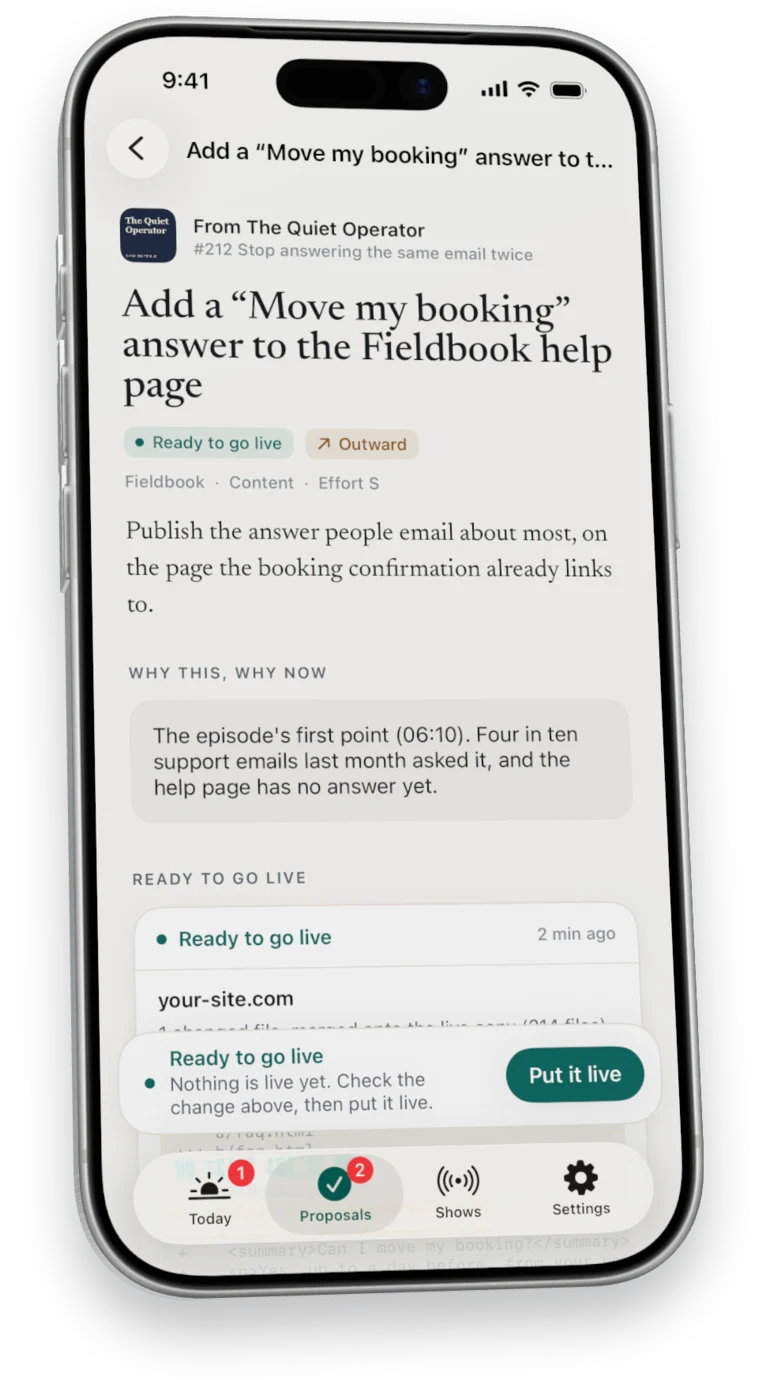
What happens after you approve
From yes to done.
- It picks up the work
Your computer starts on its next pass, within about fifteen minutes while it is awake.
- It works on a branch
Changes go on a branch named for the task, so your main line stays as it was.
- It checks its work
It runs checks, recorded from what actually ran. About proof
- It hands back your part
Anything only you can do is listed plainly as Your turn.
Questions
Questions about the work.
What if my computer is asleep?
The work waits and starts when your computer wakes.
What if something goes wrong?
The run stops and says why. Once that is sorted, Try again starts it over.
Can it touch files outside the folders I picked?
No. It writes only in the project folders you allow. See folders you pick.
Seven days free
Start your free week.
7 days free, then $49.99 a month. Cancel any time.