Platform
Nuntex on a Windows PC.
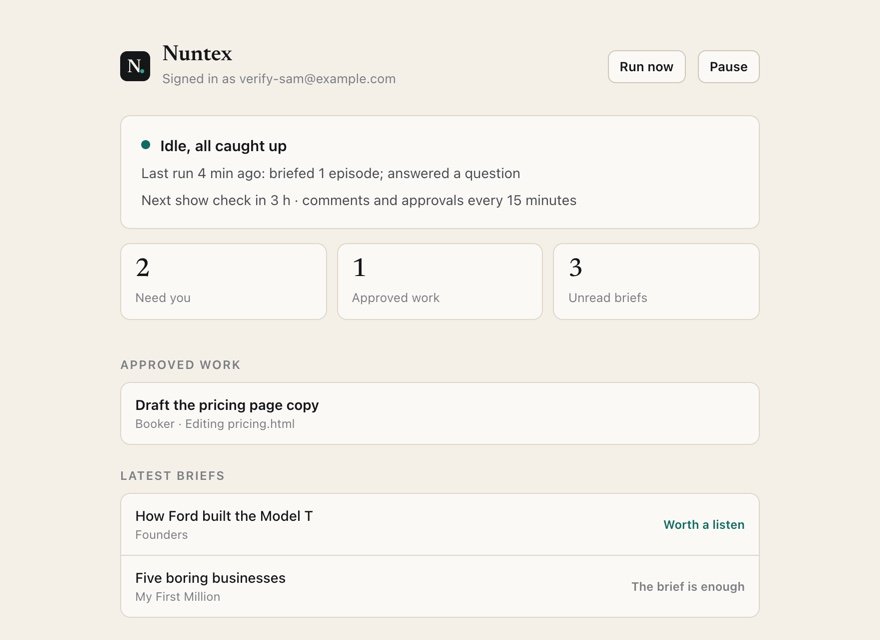
Nuntex runs in the background on your PC, with an icon in the tray, and links your phone to your own AI. It checks your shows, transcribes and briefs new episodes, answers your questions and does the work you approve, then reports back to your phone.
7 days free, then $49.99 a month. Cancel any time. Pricing
Updated October 5, 2026
Setting it up
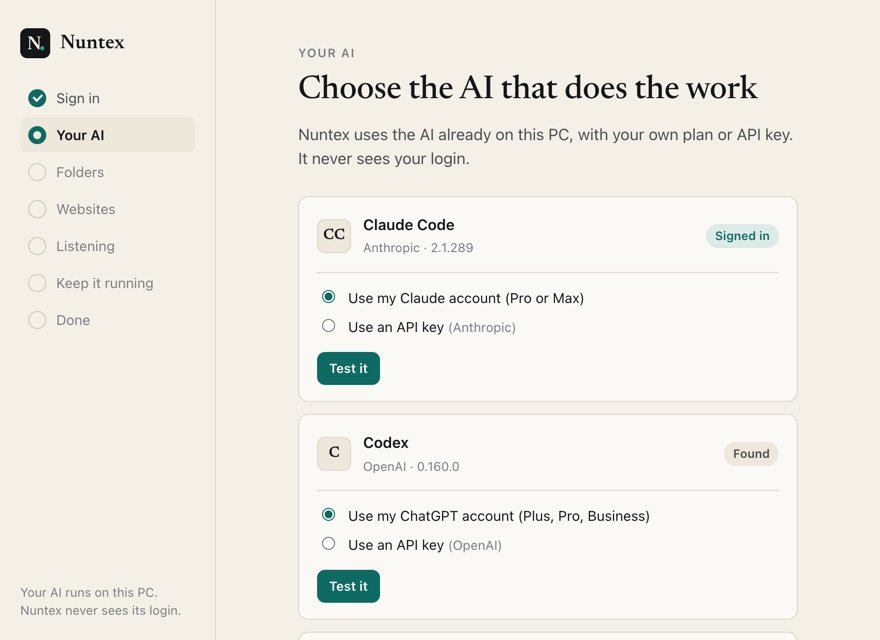
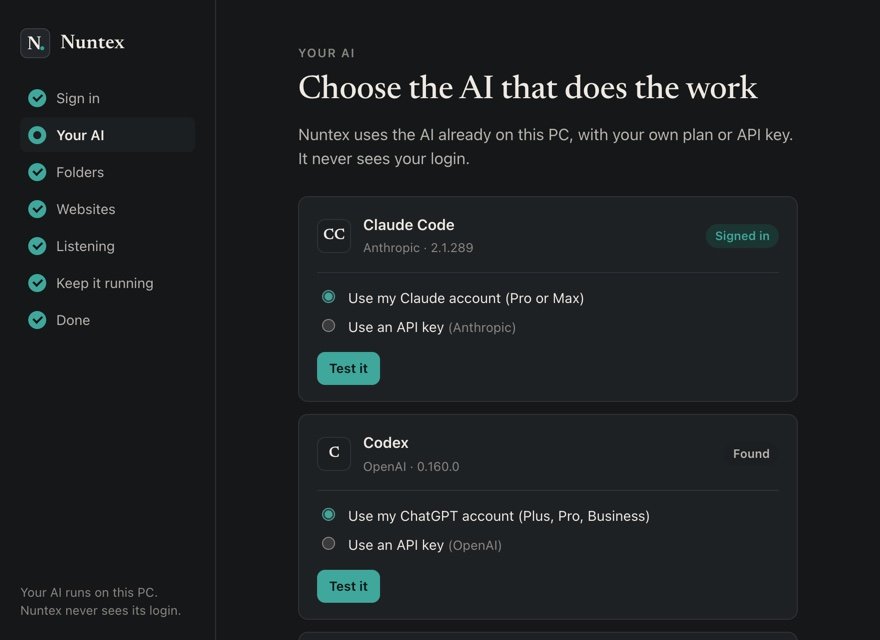
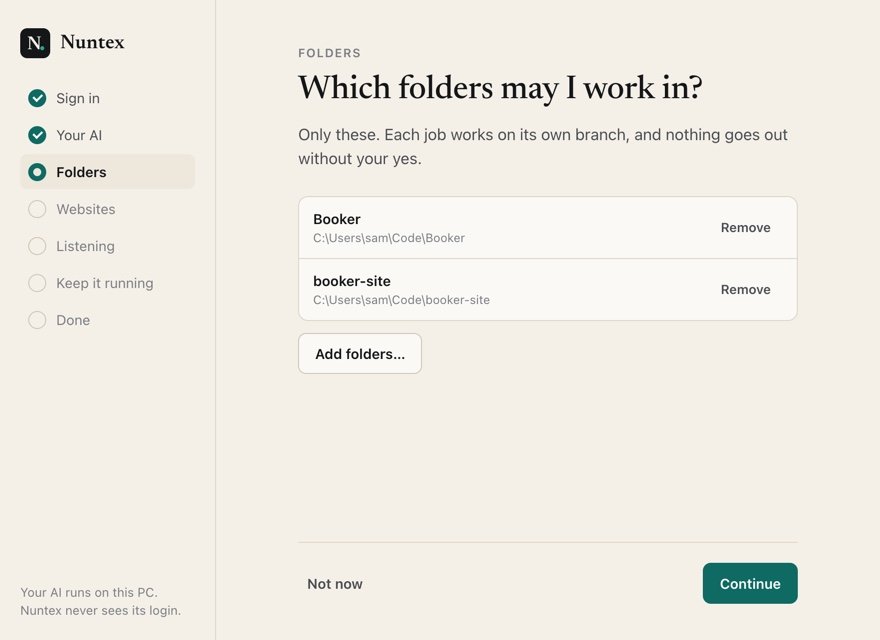
The PC sets itself up.
One window, a few minutes, once. Sign in with the account from nuntex.com and it does the rest. The whole setup
What runs on your PC
The half you never have to watch.
- Checks your sources
Every few hours, or right away when you tap Run now.
- Transcribes on the PC
Episodes become text on your own machine, on its processor.
- Writes briefs and proposals
Reading your priorities before every one.
- Does the approved work
In your folders, on a branch, with checks.
From the tray, or your phone
In your hands.
- Run now
- Check every show without waiting for the schedule.
- Pause everything
- Stop checking shows and working until you switch it back on.
- Pick project folders
- Choose where it may work. About folders
- See it is alive
- Your phone shows when the PC last ran, and warns you if it goes quiet.
Questions
Questions about windows app.
Which PC do I need?
A 64-bit PC with Windows 10 or 11. Nuntex installs for your Windows account only and needs no administrator.
What else does my PC need?
Your own AI: Claude Code, Codex or OpenCode, signed in with your own plan or given your own API key. Setup finds them, tests the one you pick, and shows you how to install one if none is there. To carry out work in your folders it also needs Git, and setup shows you the one line that installs it.
Where are my sign-in and keys kept?
In Windows Credential Manager, under your own Windows account. Nuntex never receives them.
Does it work while my PC sleeps?
No. Work waits for the PC to wake, and your phone shows what is pending.
Can I send a PDF from the PC?
Not yet. PDFs go through the Mac app for now; books in EPUB come from your phone.
Seven days free
Start your free week.
7 days free, then $49.99 a month. Cancel any time.